StoicFX tutorials.
Short, focused walkthroughs for getting started, funding your account, and finding help.
Getting Started
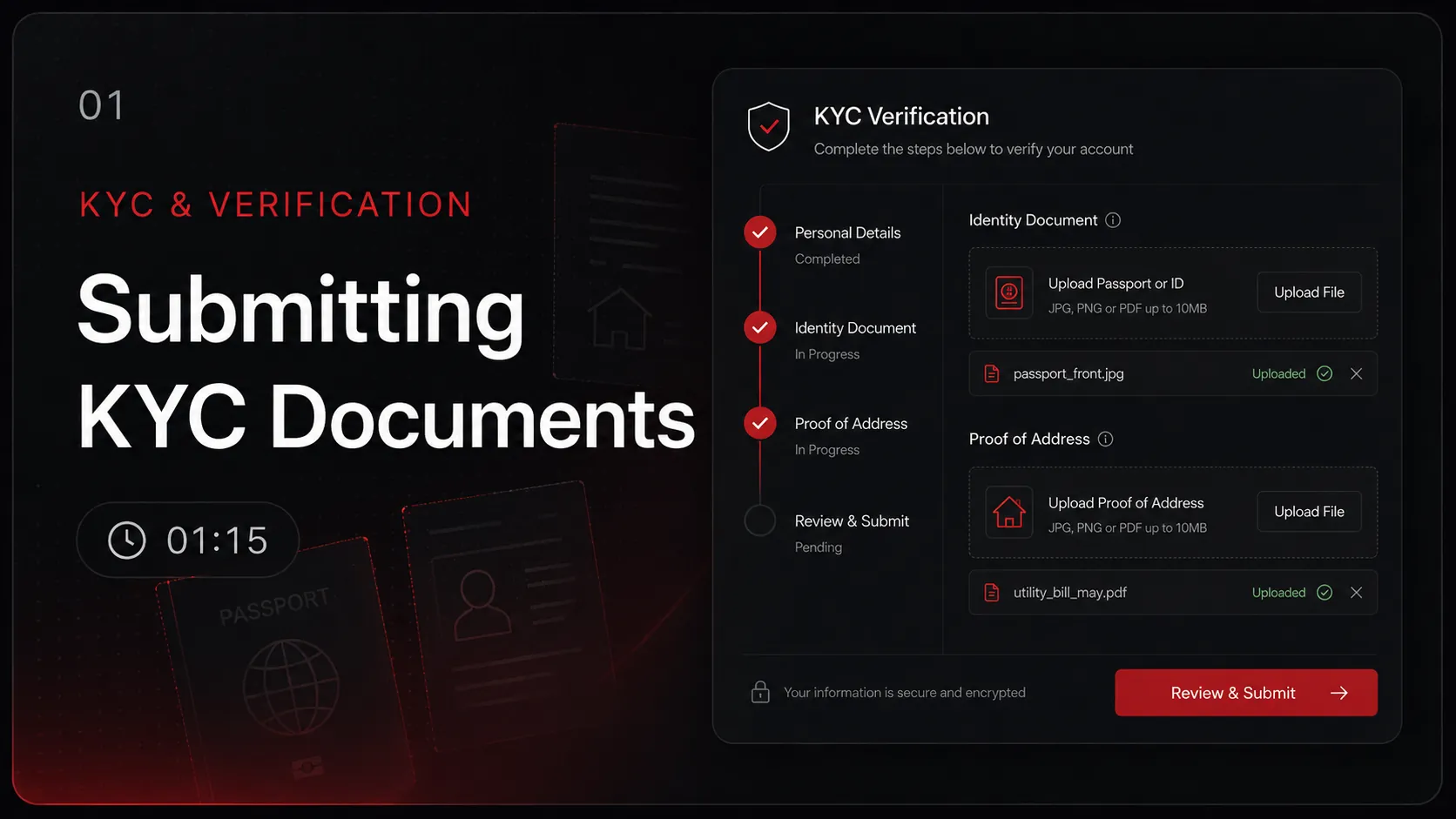
Verify your identity in 24 hours and unlock funding. Government ID + proof of address required.
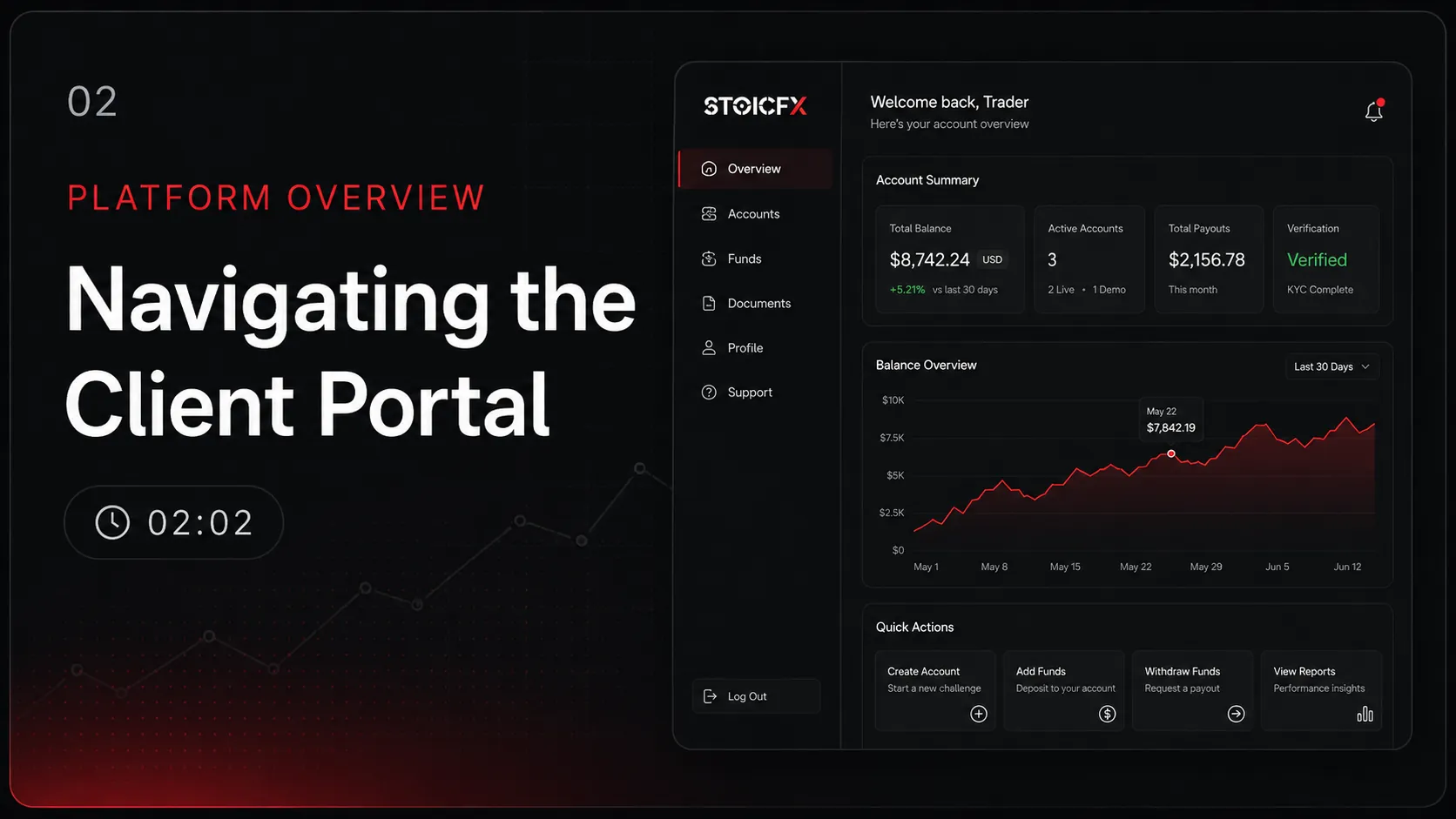
A tour of the Client Portal — find your accounts, documents, deposits, and withdrawals in under two minutes.
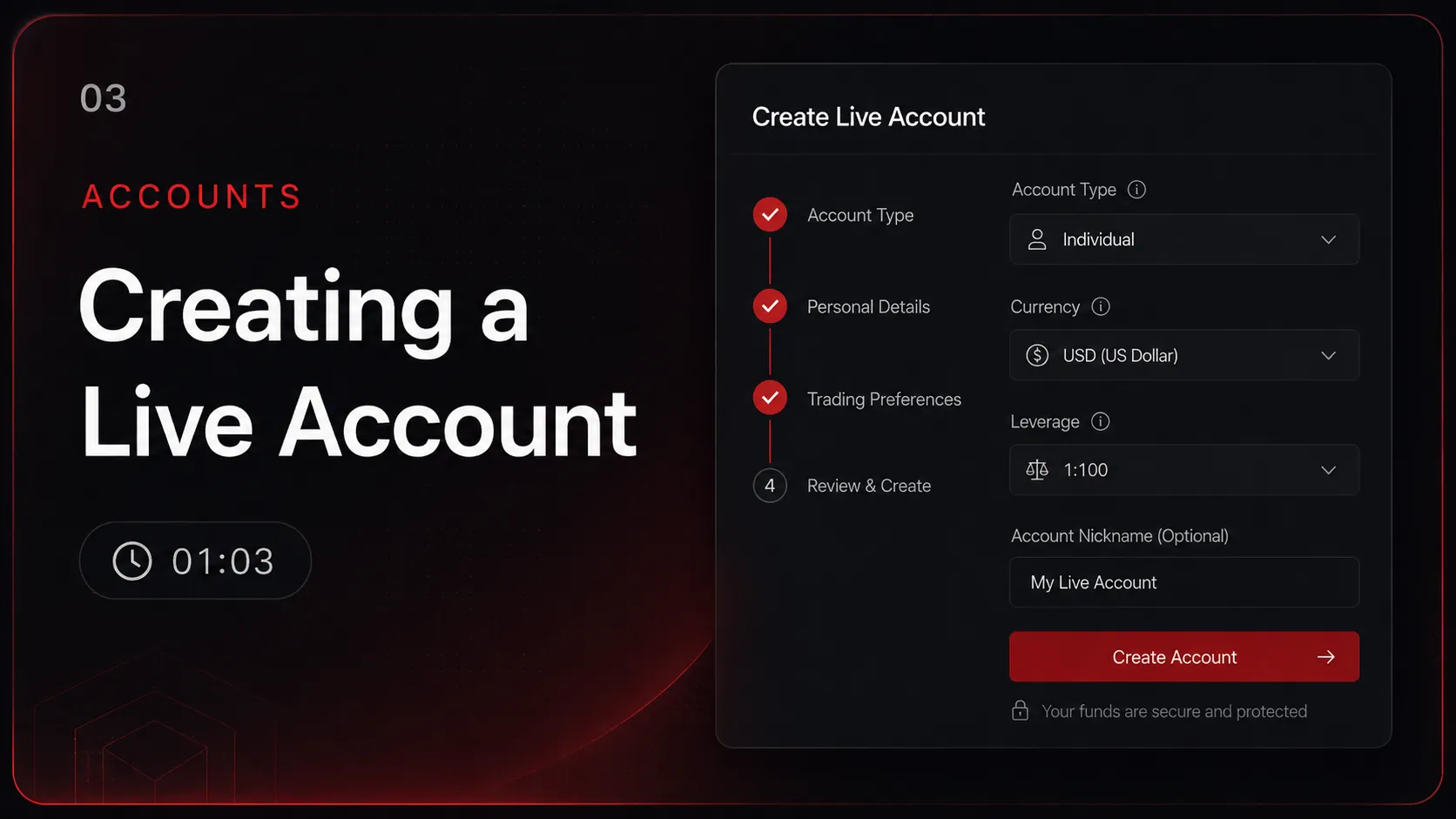
Open a new live trading account from your Client Portal. Choose your type, currency, and leverage — MT5 credentials arrive by email.
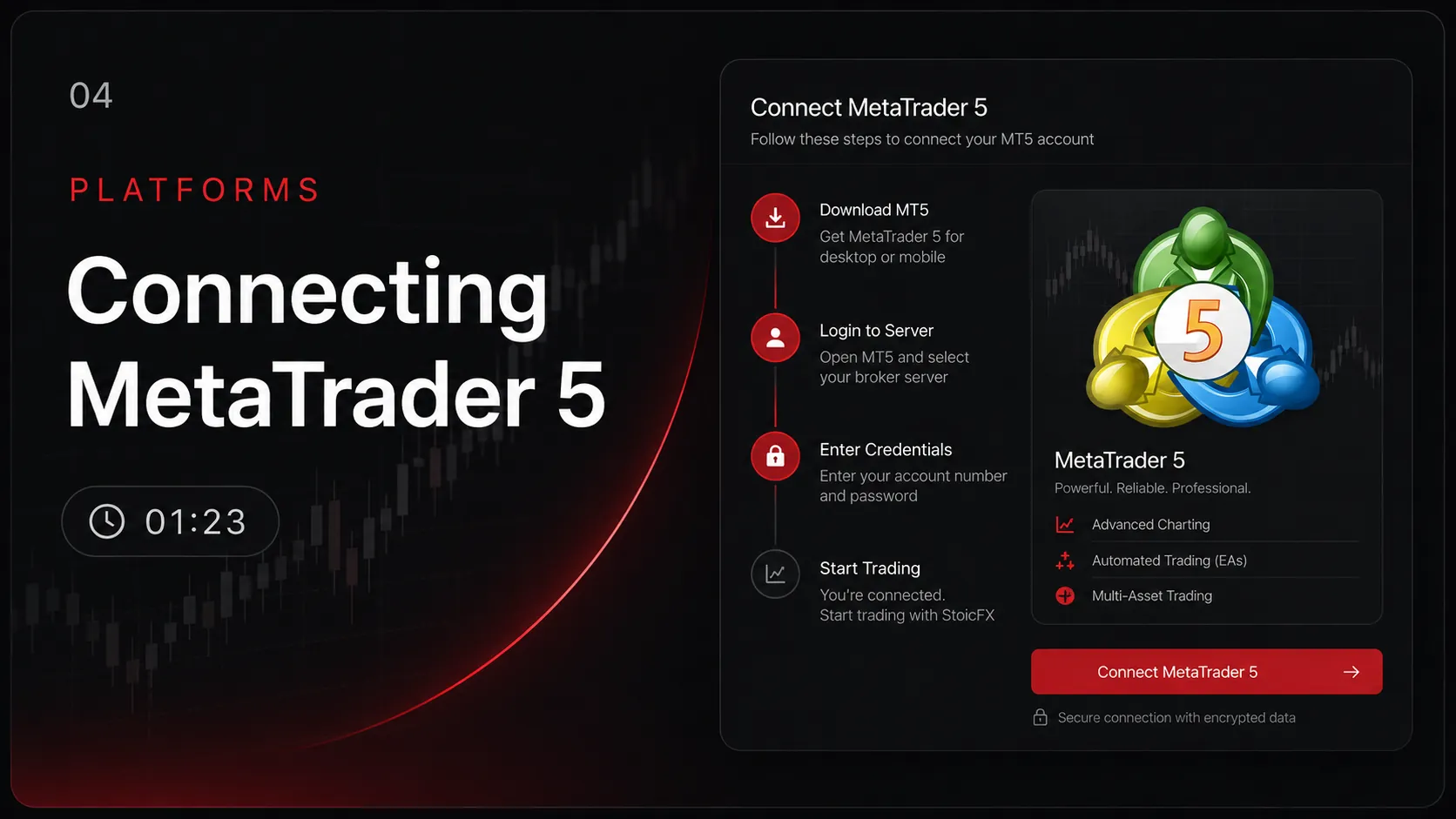
Install MT5 on desktop, pick the StoicFX-Trade server, and log in with your emailed credentials.
Deposits & Withdrawals
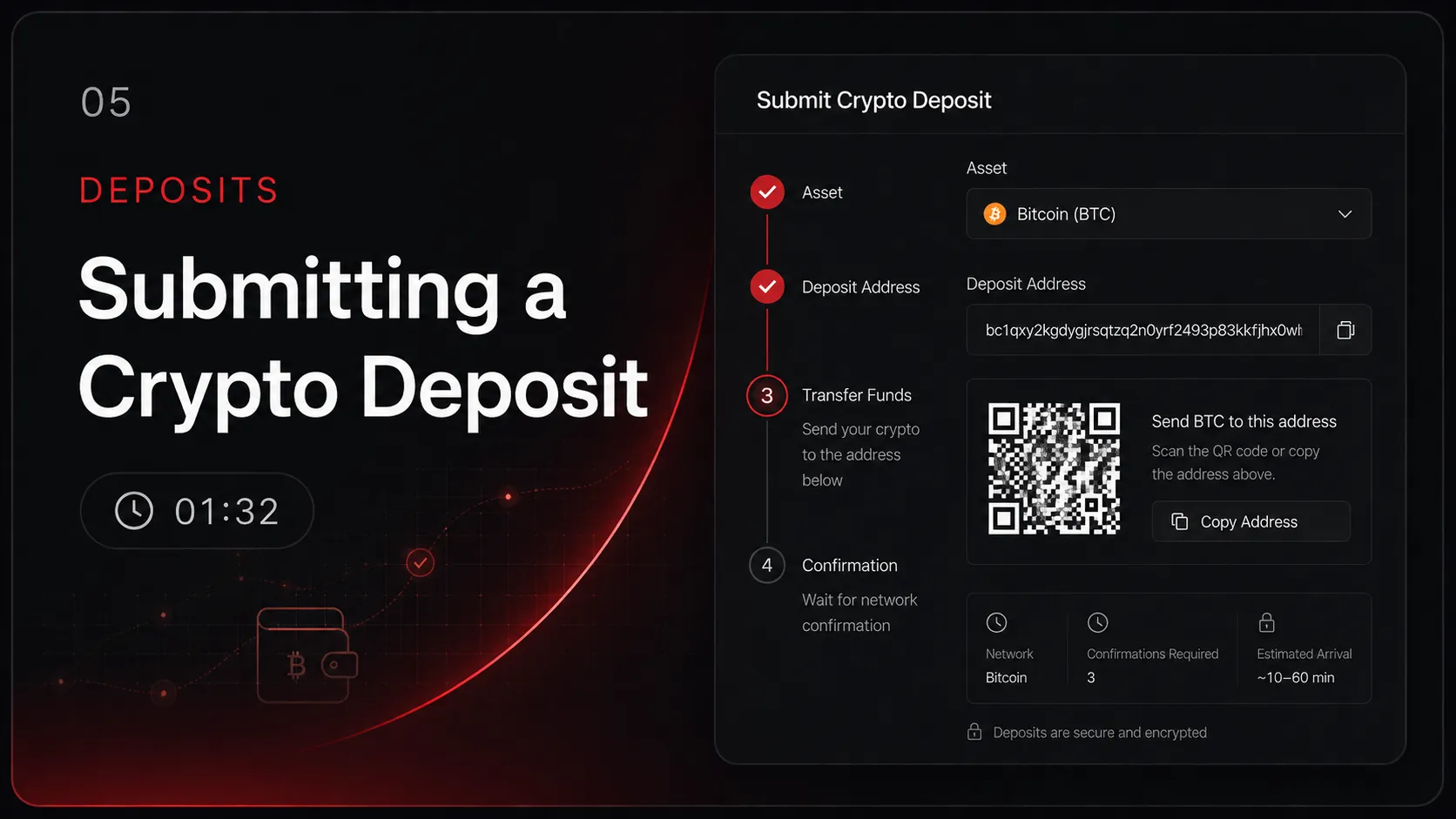
Fund your account with crypto — pick the asset, copy the deposit address, send on-chain.
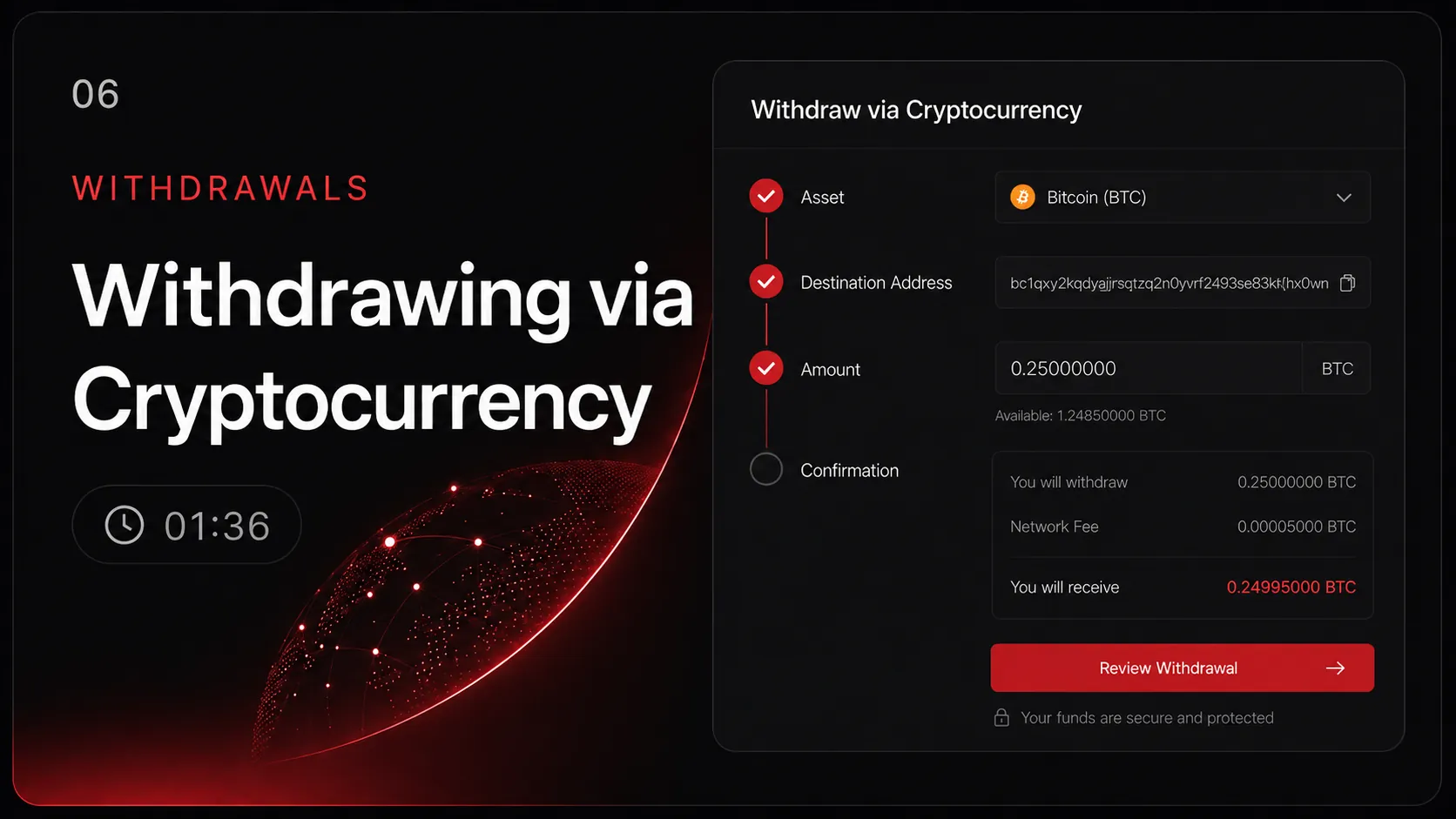
Submit a crypto withdrawal — accepted assets, address confirmation, and processing windows in under two minutes.
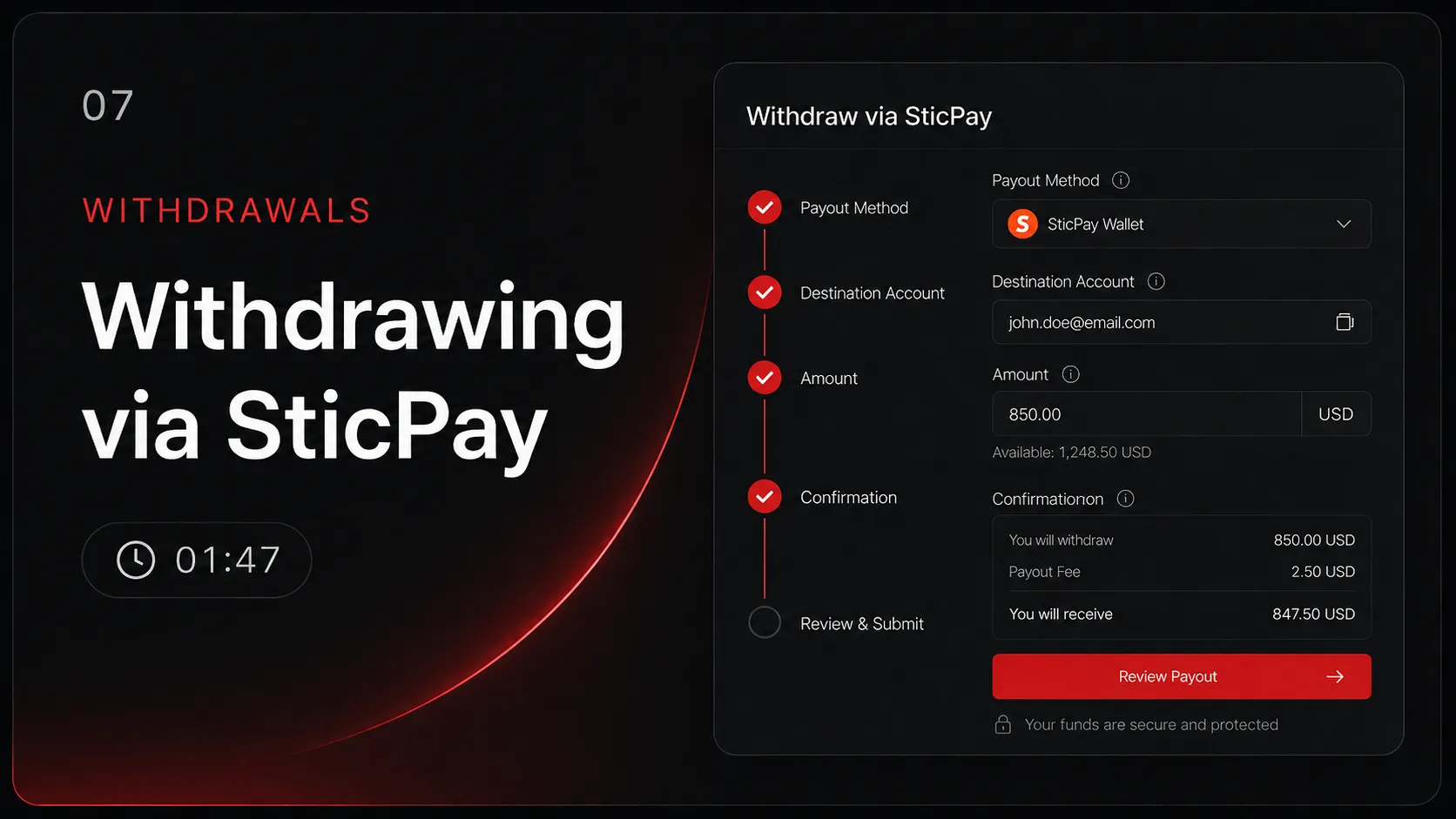
Walk through a SticPay withdrawal end-to-end, including the same-source matching rule that trips up most users.
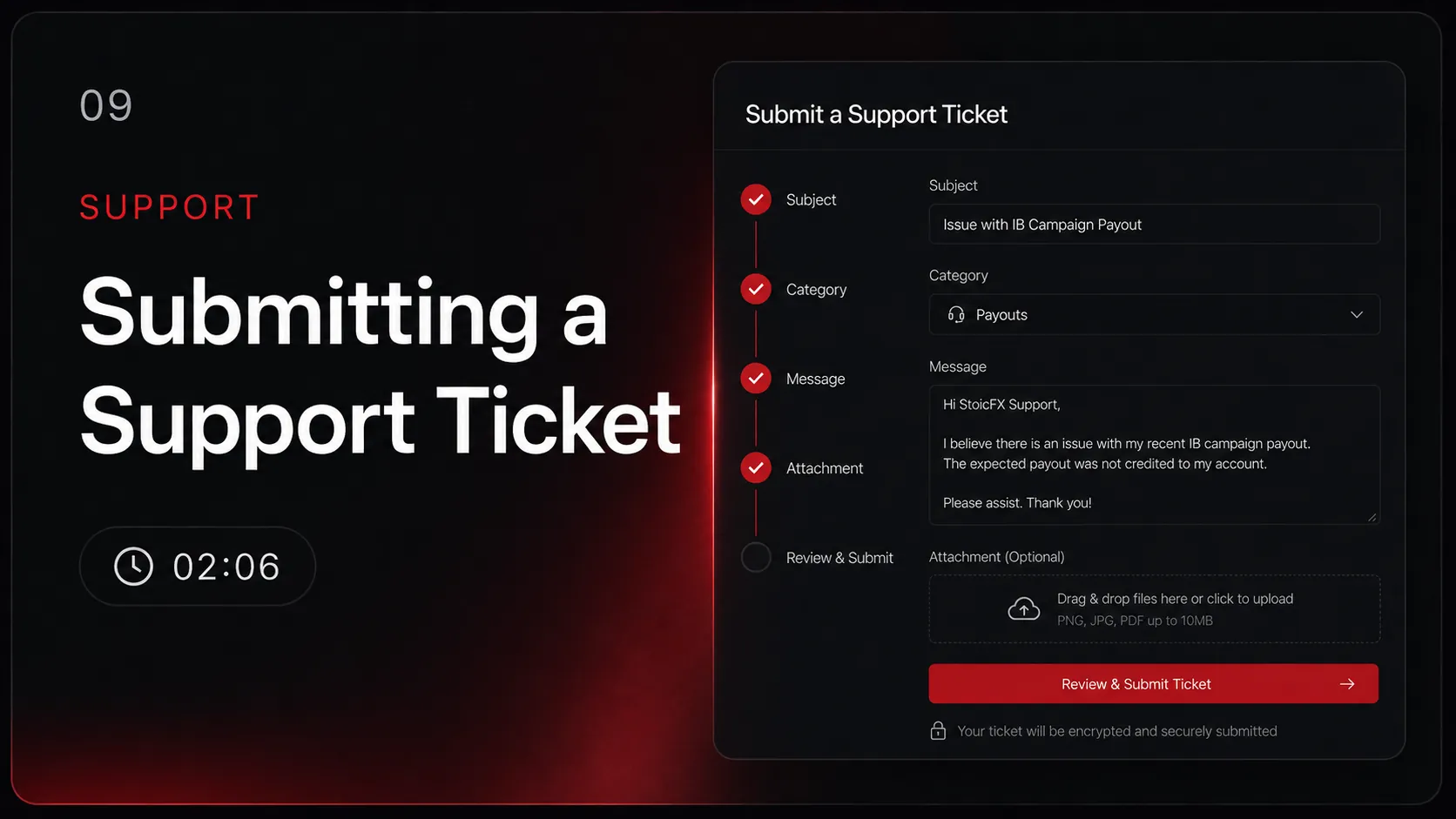
Contacting Support
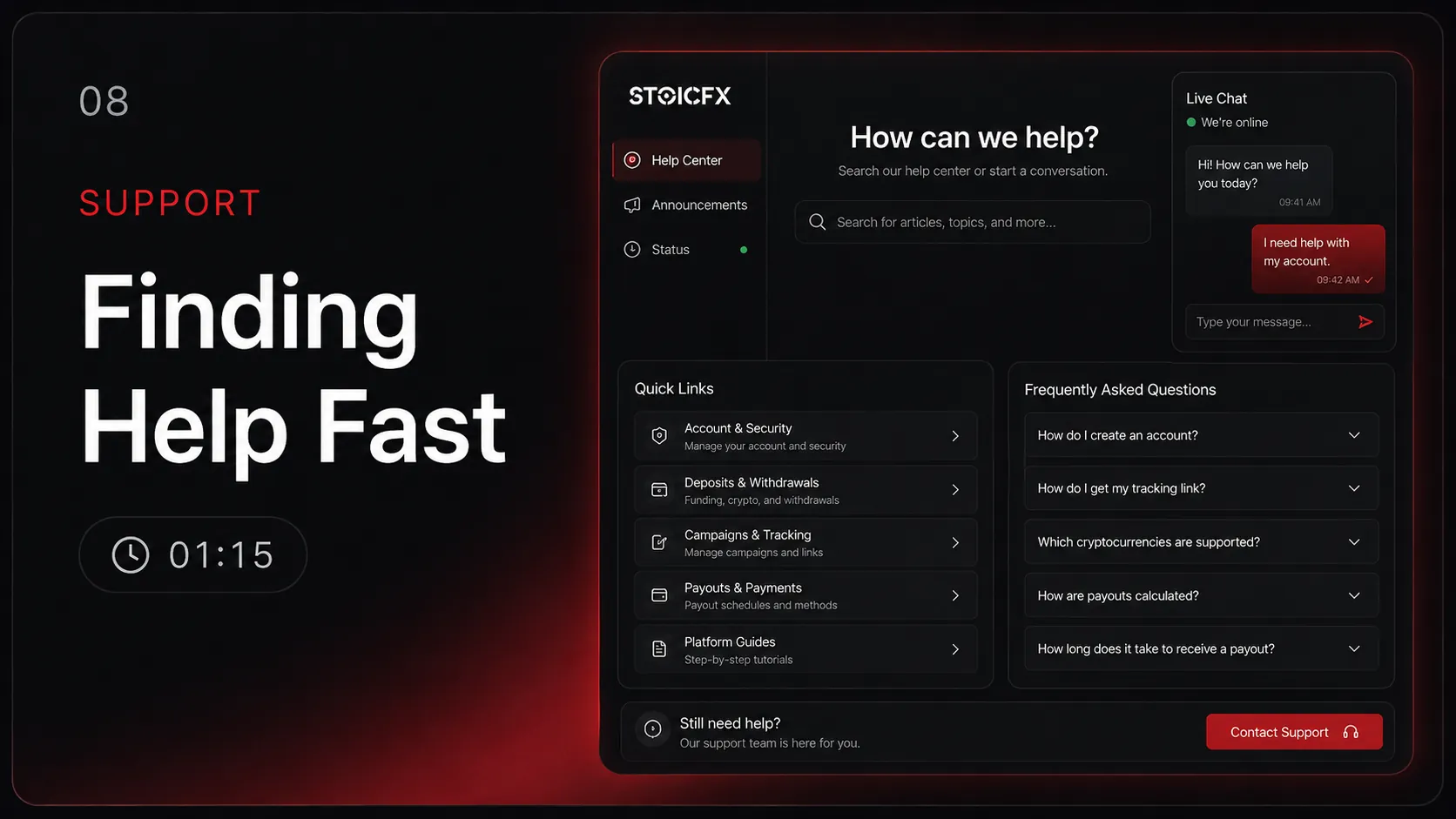
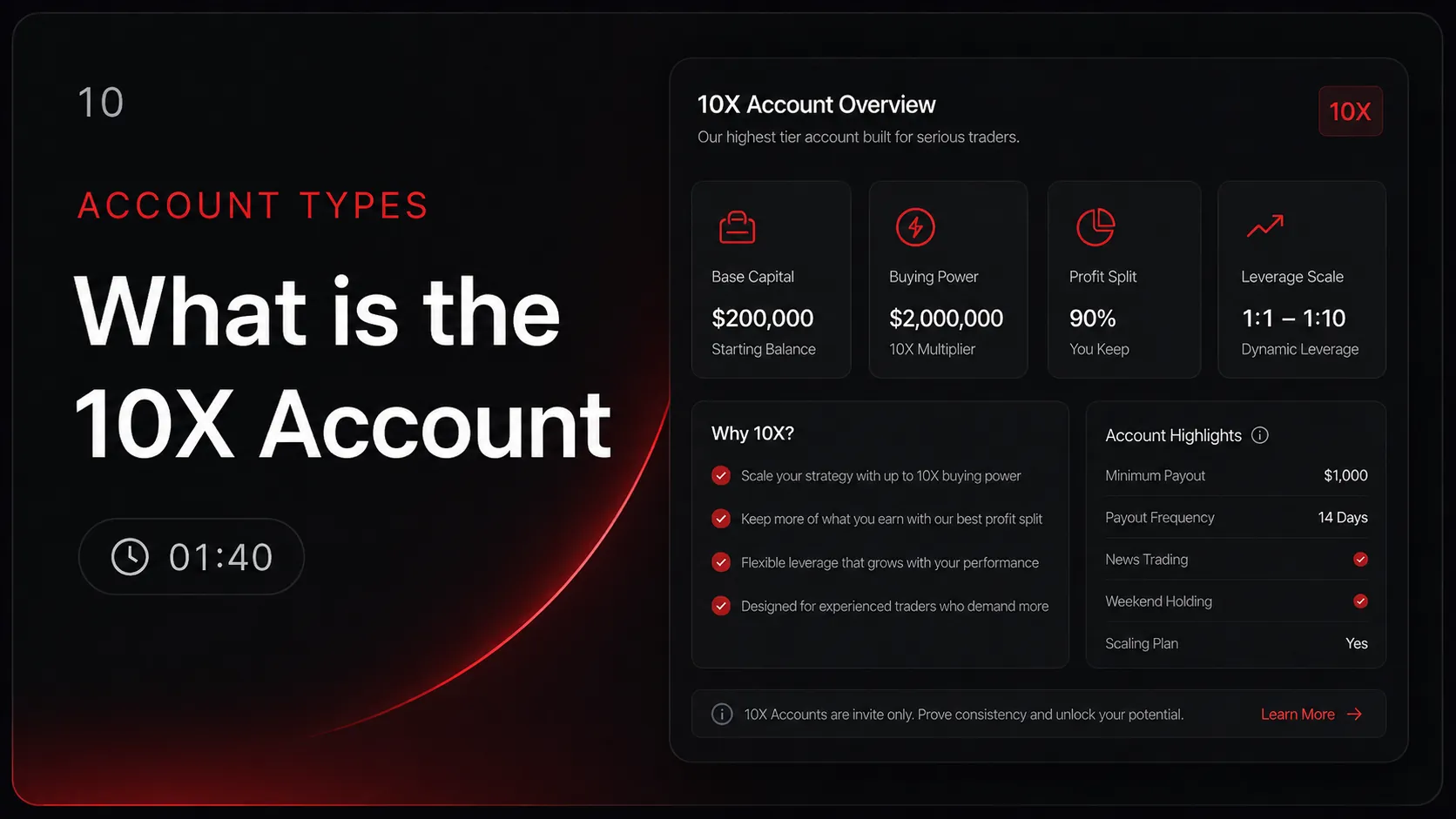
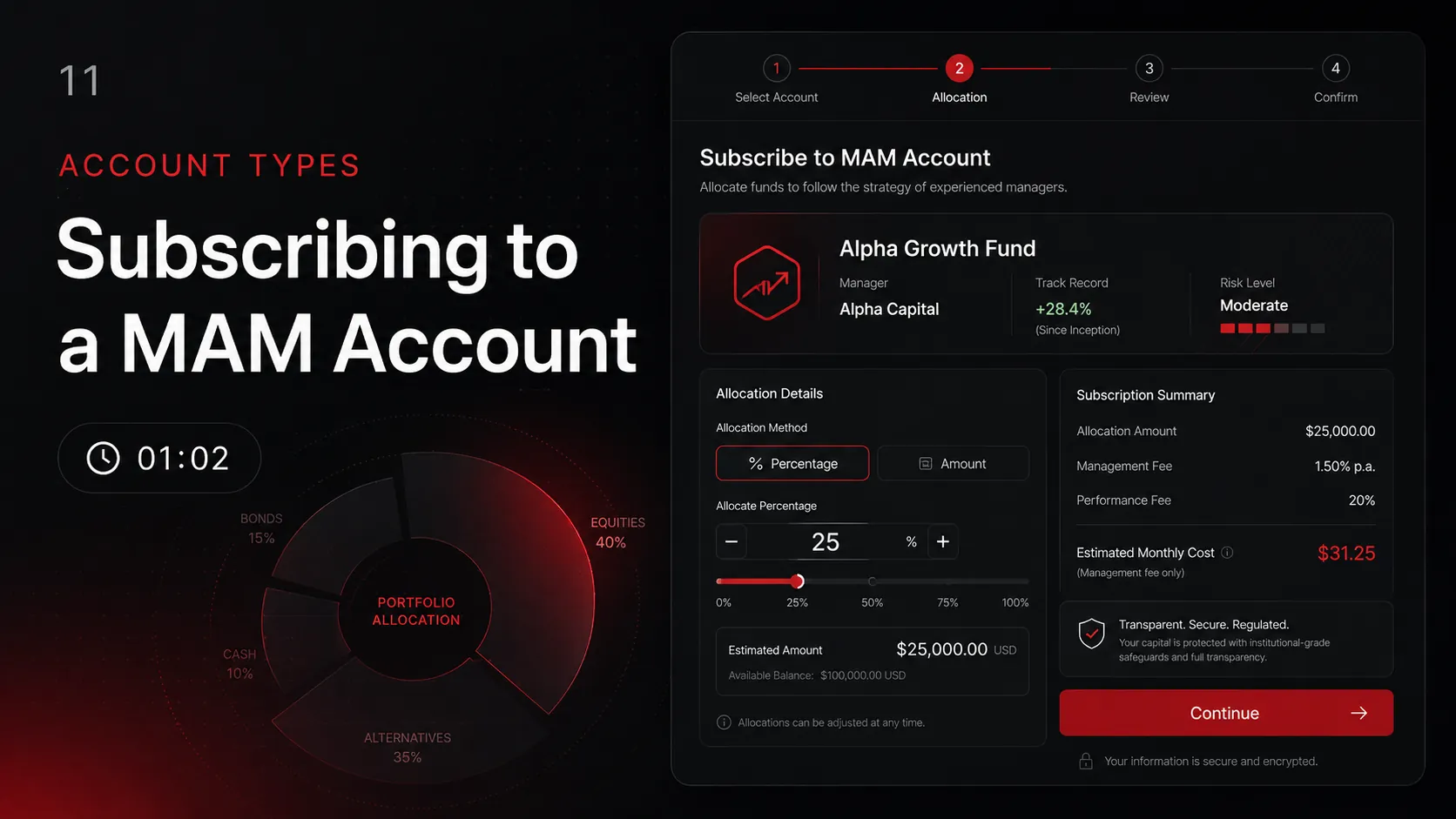
Account Types
Didn't find what you need?
Browse our written knowledge base for in-depth guides on account setup, funding, trading, and more.
Visit Help Center